 Agents on Enterprise Knowledge
Agents That Know Your Company.
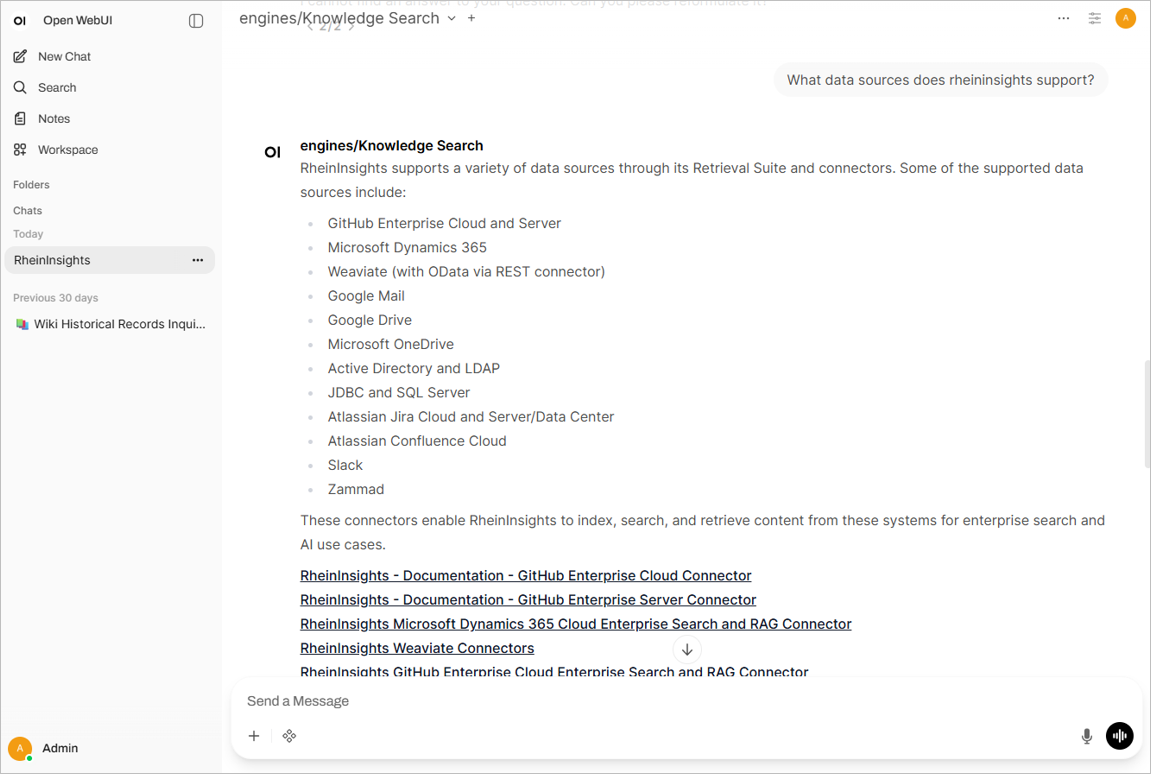
We connect Microsoft Copilot, Open WebUI, Claude or your own agents to your knowledge index – via connectors, AI pipelines or Model Context Protocol (MCP). Each agent only sees what the respective person is allowed to see.
Book an initial call
An Agent without Knowledge Guesses. An Agent with Too Much Knowledge Overshares.
Agents are only as helpful as the knowledge they can access. Often, every tool gets its own connection to sources. Each connection comes with its own (application) credentials and in turn, with its own, often incomplete or wrong user-permission checks.
We create shared, permission-checked access to knowledge for all your agents. Connected once, it serves Copilot, Open WebUI and your own applications alike.
Model Context Protocol  Copilot & Copilot Studio
 Open WebUI, Claude, Teams, Slack
 Always with permissions
Three Steps to an Agent with Enterprise Knowledge
After each step, you decide how to continue.
Workshop
We clarify where you stand and define the project approach – remotely or on site.
First Agent
An agent for a specific use case, connected to 1–2 real sources and tested by your business unit.
Rollout
More sources, more agents and user groups on the same knowledge base.
All integrations →What we Implement in the Project
From use cases to an agent that helps in everyday work.
Who it is for: IT management, digital transformation, development teams and the business unit with the first use case.
Book an initial call
-
1
Define Use Cases and Roles
What should the agent be able to do, for whom, and which knowledge does it need for that?
-
2
Connect Knowledge Sources
Content and permissions from more than 40 systems in one shared index.
-
3
Choose the Agent Platform
Copilot connector, Copilot Studio, Open WebUI, MCP server or REST API – matching your platform.
-
4
Pass Permissions Through
Via OAuth or impersonation: the agent always answers on behalf of the person asking.
-
5
Test and Trace
The execution steps of every answer remain visible, so you can improve agents in a targeted way.
Book an Initial Call
Tell us briefly what it is about. We will get back to you within two business days.

RheinInsights GmbH
Düsseldorf
Our team brings more than 20 years of experience with enterprise search, retrieval and enterprise AI – from consulting to implementation.


Are you an IT service provider and want to offer secure AI to your customers? Tick the box above and we will be happy to discuss a partnership.
 Workshop & Pilot
 AI Readiness & Strategy
 Retrieval & Enterprise Search